Study time tracker: track how long you study
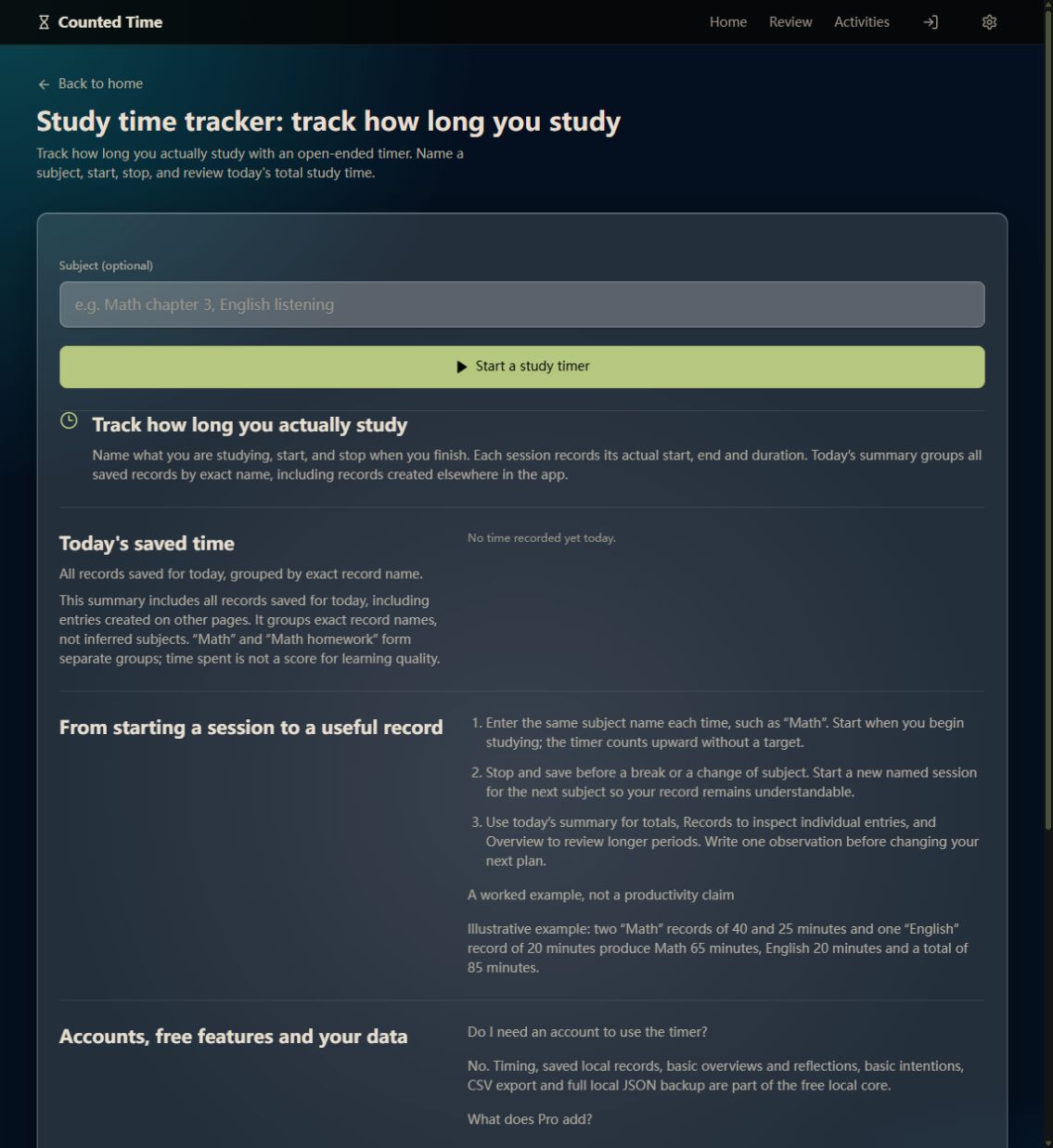
Track how long you actually study with an open-ended timer. Name a subject, start, stop, and review today's total study time.
Track how long you actually study
Name what you are studying, start, and stop when you finish. Each session records its actual start, end and duration. Today’s summary groups all saved records by exact name, including records created elsewhere in the app.
Today's saved time
All records saved for today, grouped by exact record name.
This summary includes all records saved for today, including entries created on other pages. It groups exact record names, not inferred subjects. “Math” and “Math homework” form separate groups; time spent is not a score for learning quality. Saved summaries use whole minutes, with a minimum of one minute per saved session.
Total today
From starting a session to a useful record
- Enter the same subject name each time, such as “Math”. Start when you begin studying; the timer counts upward without a target.
- Stop and save before a break or a change of subject. Start a new named session for the next subject so your record remains understandable.
- Use today’s summary for totals, Records to inspect individual entries, and Overview to review longer periods. Write one observation before changing your next plan.
A worked example, not a productivity claim
Illustrative example: two “Math” records of 40 and 25 minutes and one “English” record of 20 minutes produce Math 65 minutes, English 20 minutes and a total of 85 minutes.
Accounts, free features and your data
Do I need an account to use the timer?
No. Timing, saved local records, basic overviews and reflections, basic intentions, CSV export and full local JSON backup are part of the free local core.
What does Pro add?
Pro adds optional Cloud Continuity and Advanced Review. Local core features stay free. Signing in alone does not upload your existing records; connecting cloud data requires your confirmation. See the pricing page for current availability.
Can I lose records stored only in my browser?
Yes. Clearing this site’s browser data or losing the device can remove local-only records. Export a full local JSON backup in Settings and keep a copy outside the browser. CSV is useful for analysis; JSON is the full local backup.